Digital Signage
Lobby screens that keep themselves up to date.
RTS cinema digital signage turns any TV into a showtime board, auditorium sign or menu board. Showtimes come straight from your RTS schedule, and our media team handles the design.
A Screen for Every Spot in Your Building
From the front door to the auditorium entrance, every screen runs from your RTS schedule.
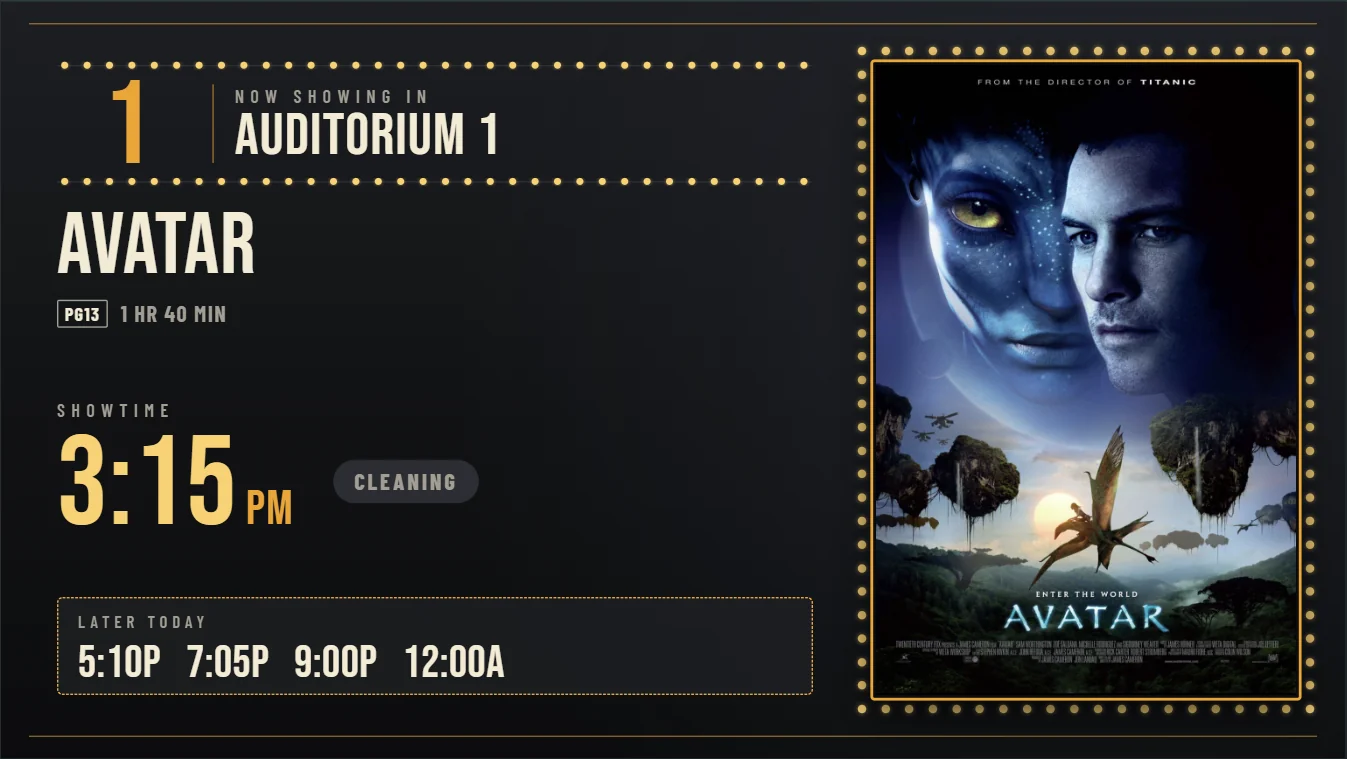
Auditorium signs
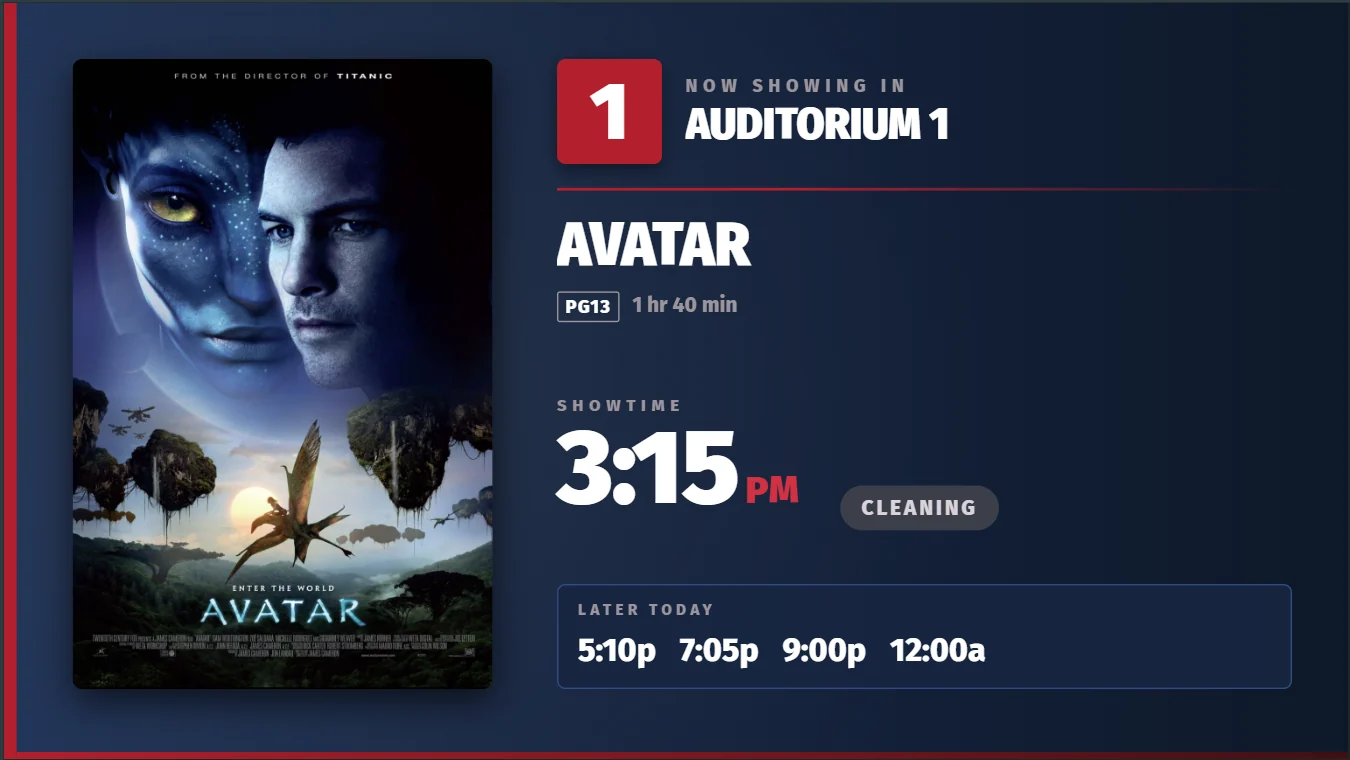
The film, rating, runtime and showtime at each auditorium, so guests know they are at the right door.
- A live status for every show, like Cleaning or Now Seating.
- The rest of the day's showtimes, right underneath.
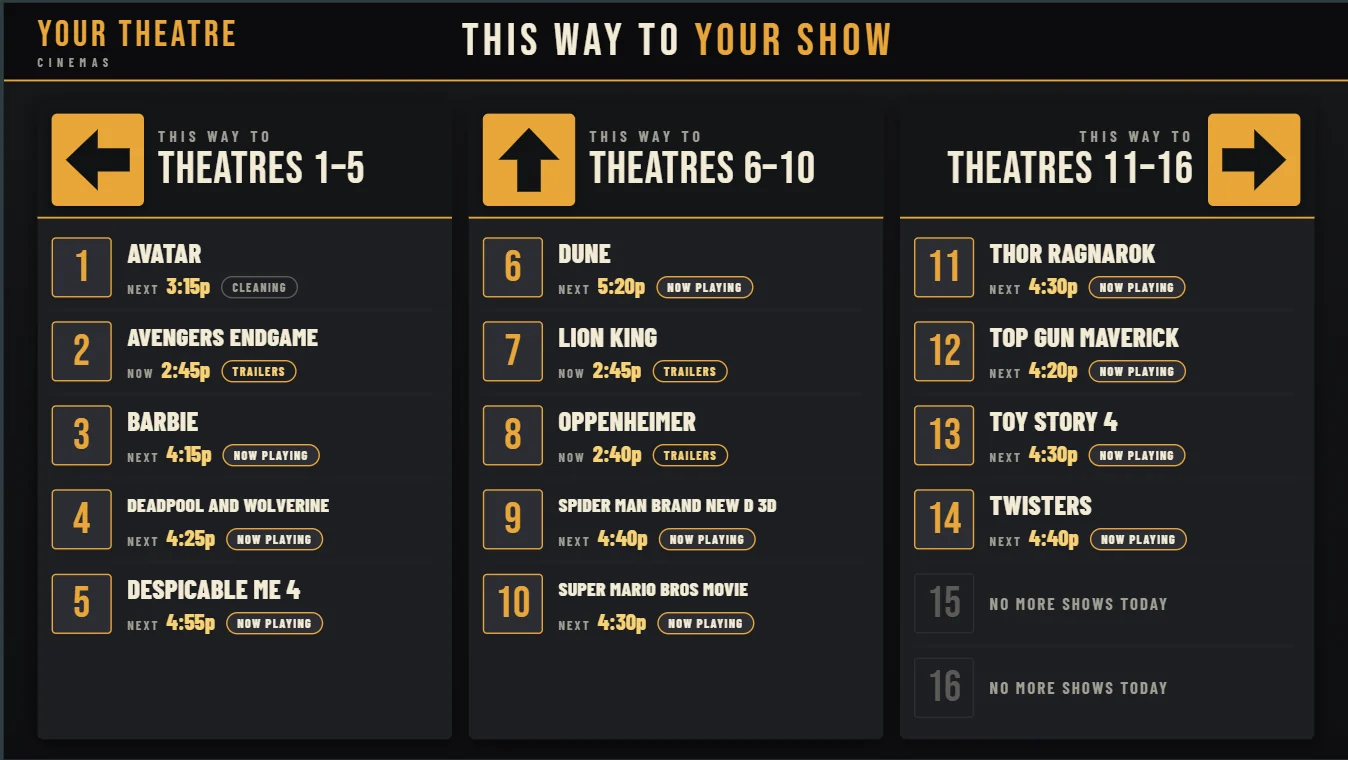
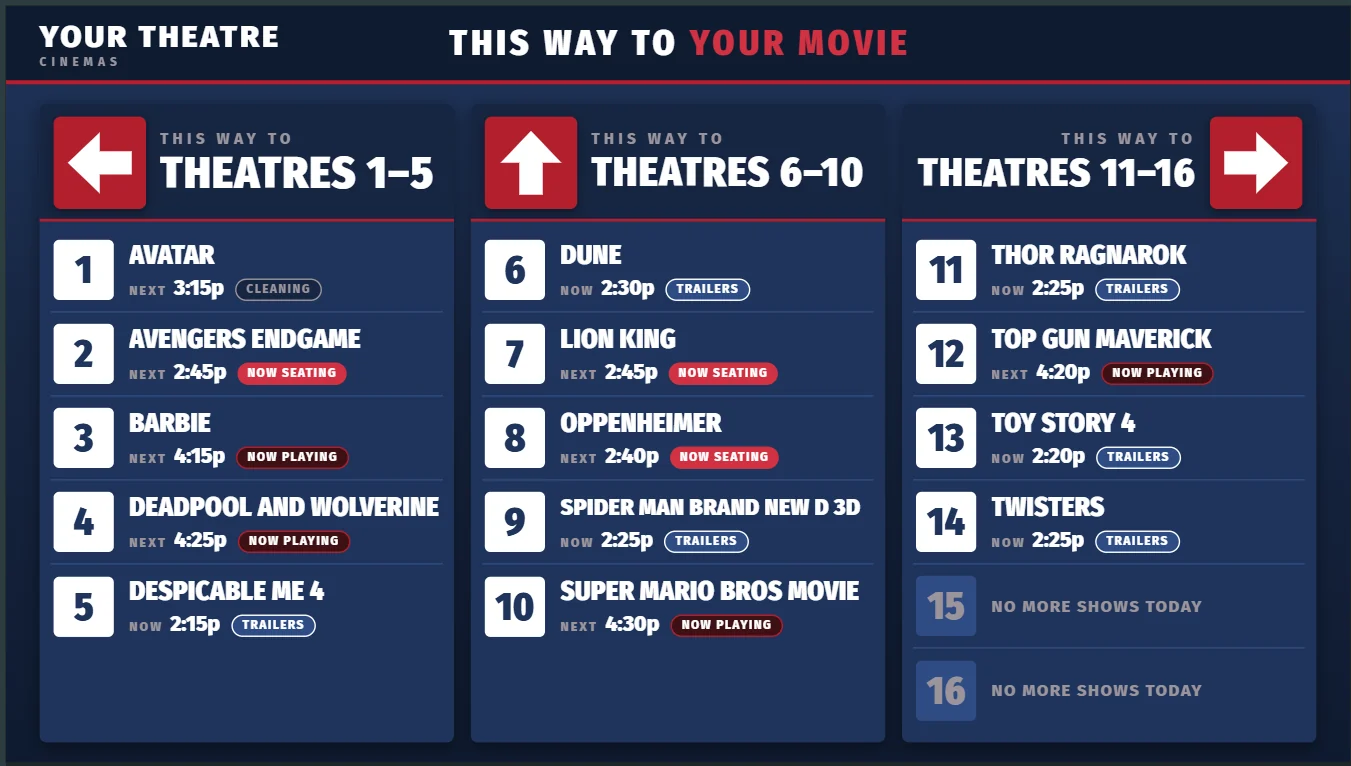
Directional signs
Point guests to the right auditorium before they start wandering the hallway.
- Each auditorium's film and next showtime.
- Live status: Trailers, Now Seating, Now Playing or Cleaning.
- Auditoriums with no more shows are marked for the day.
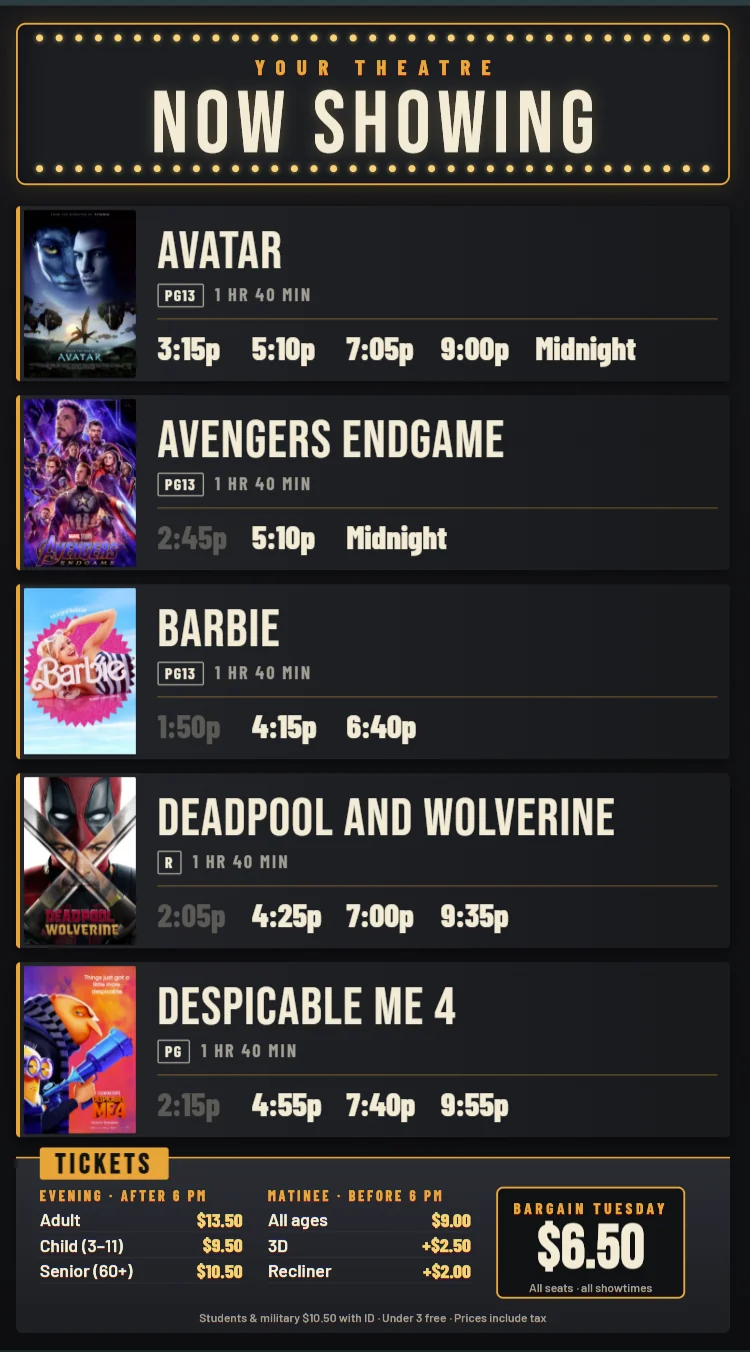
Portrait boards and poster screens
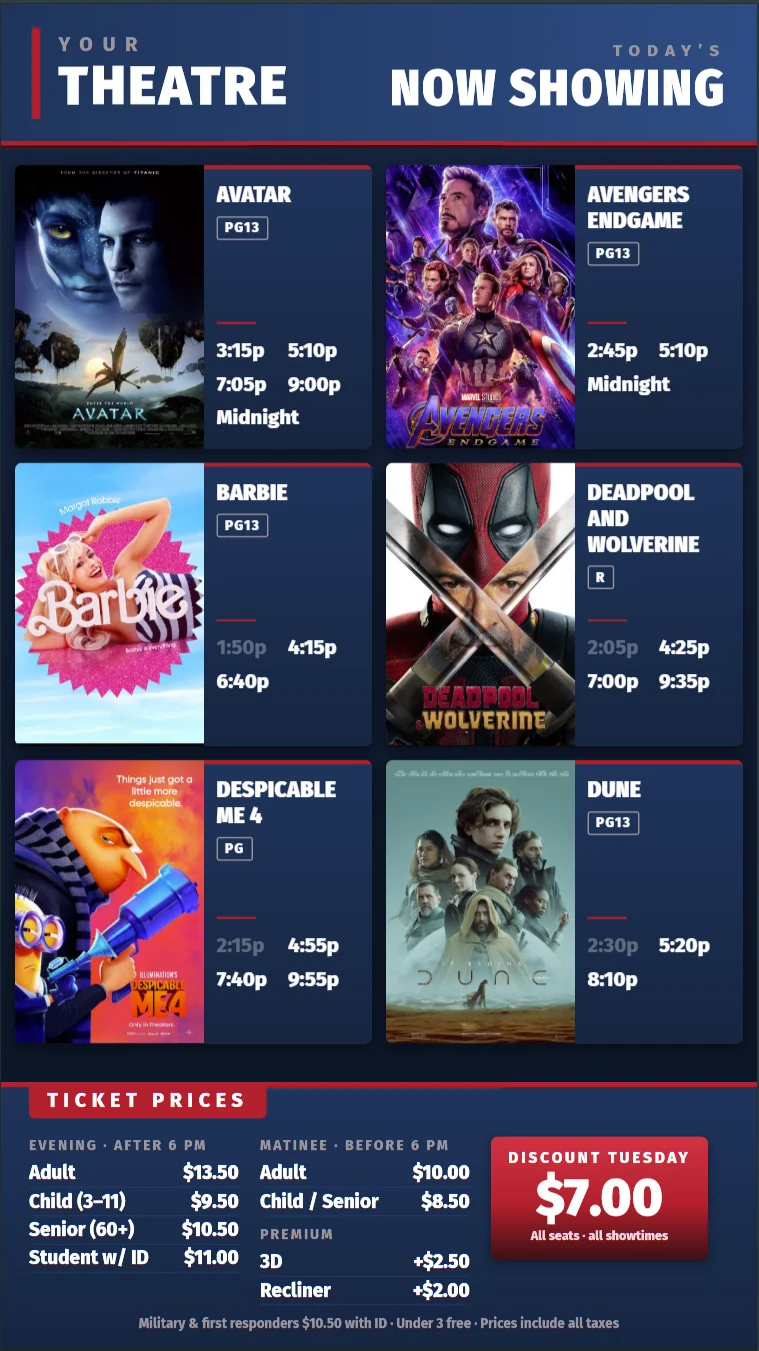
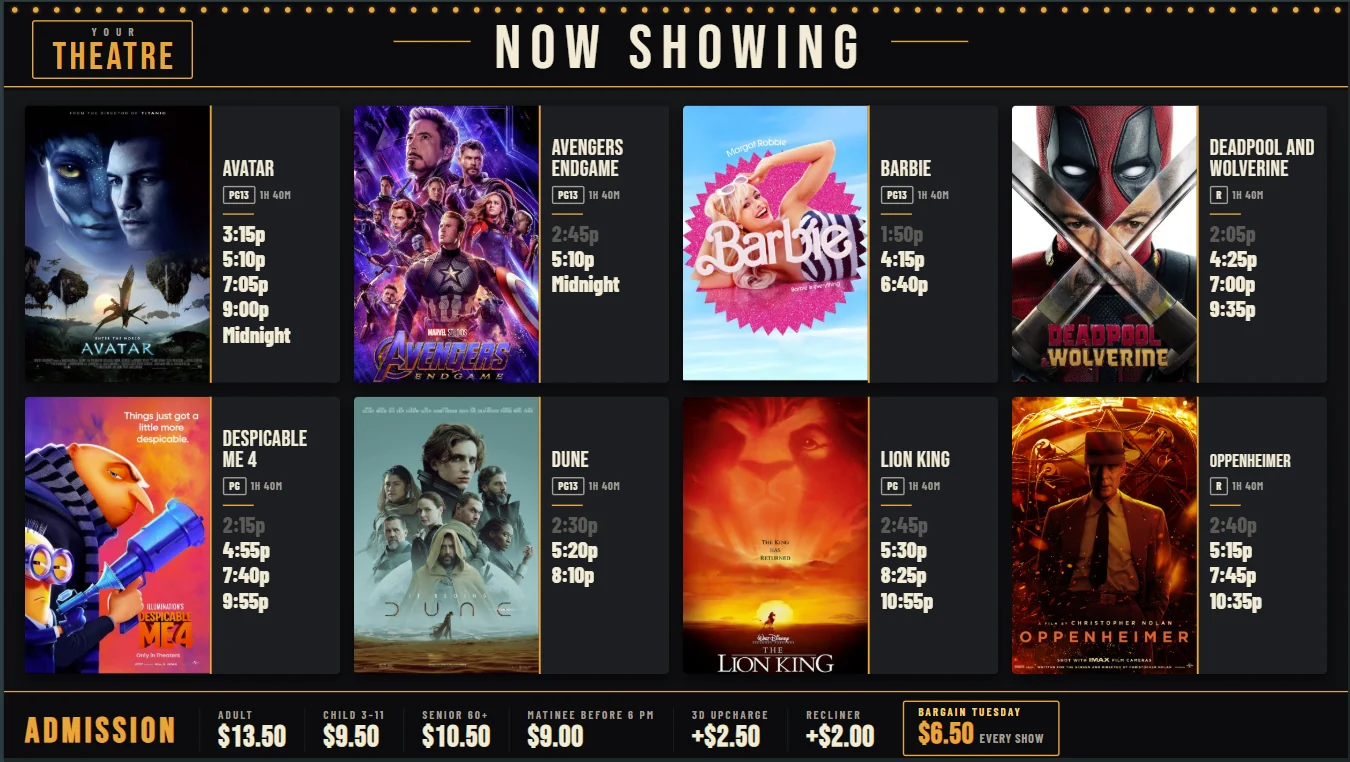
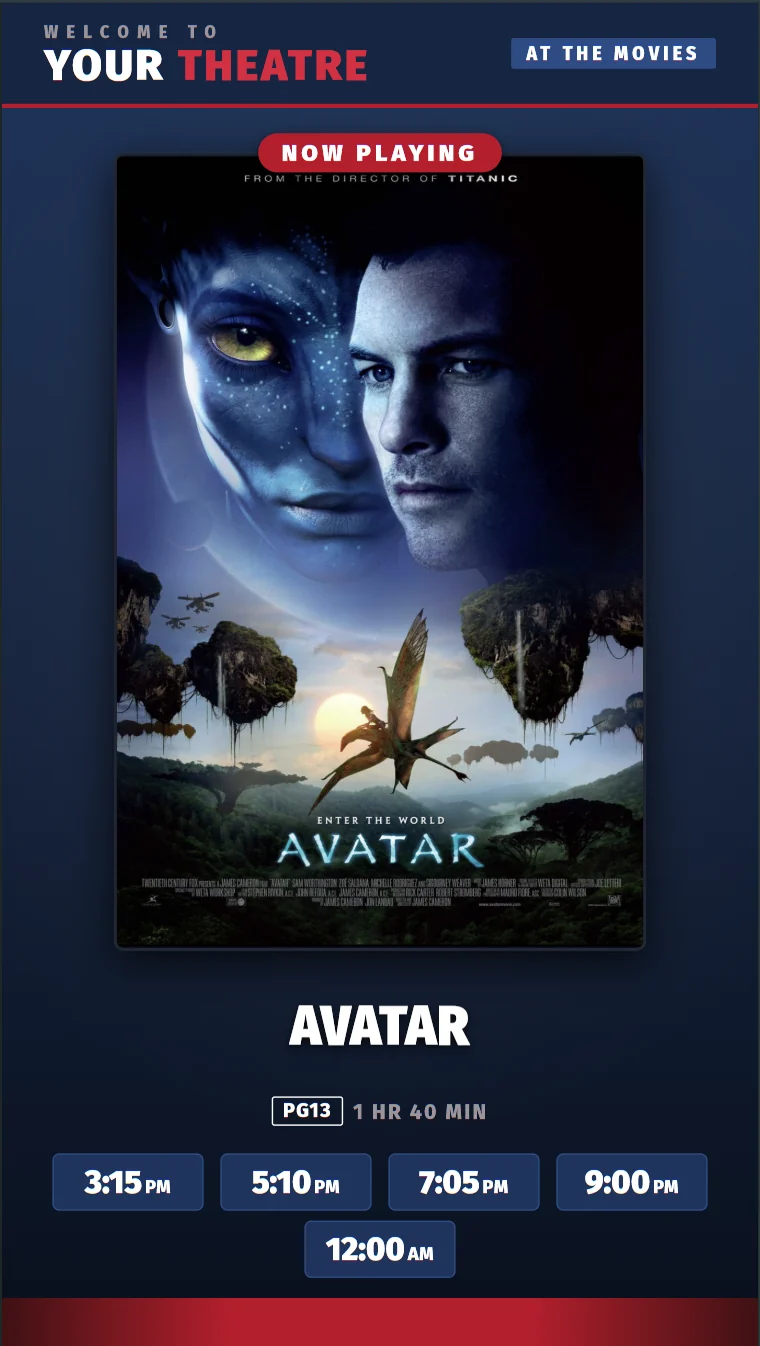
Every film and showtime for the day, with your ticket prices along the bottom. Poster screens feature one film at a time, with its showtimes and synopsis.
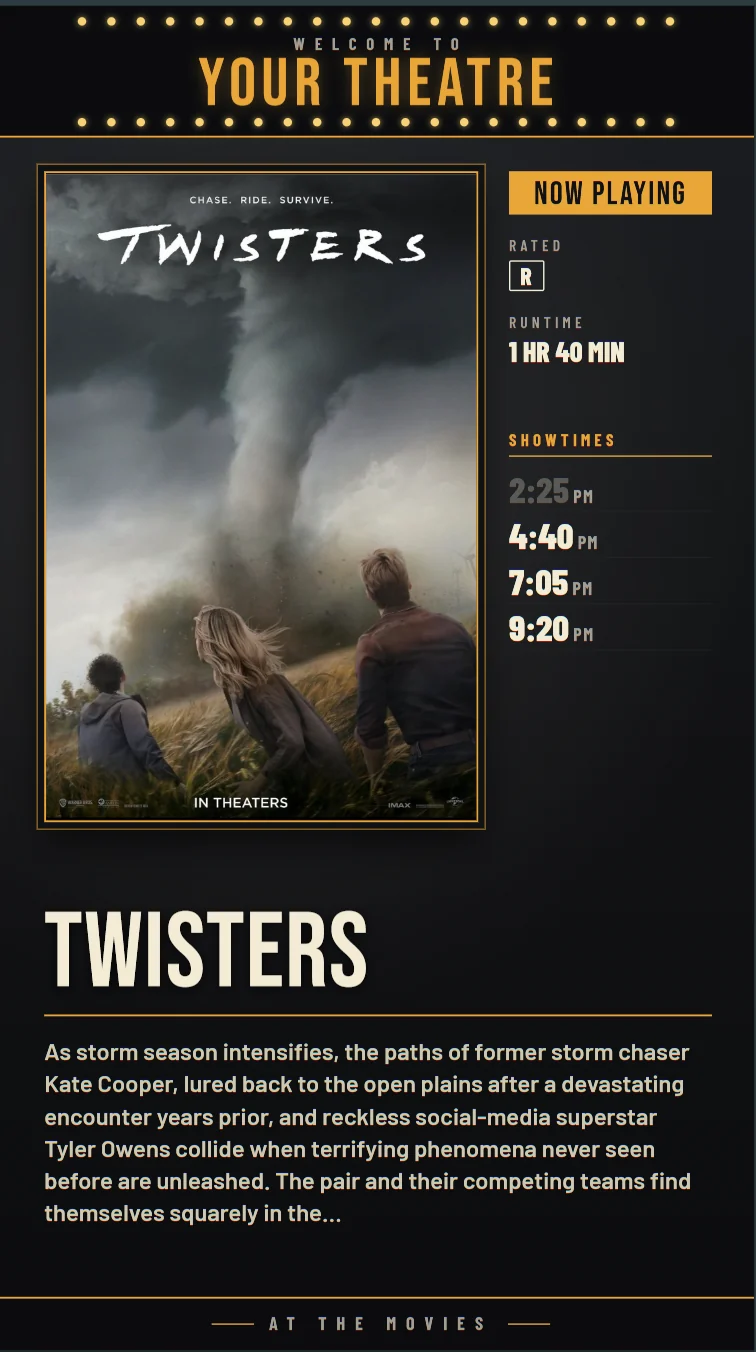
Change the Schedule Once. Every Board Follows.
Showtime boards read straight from your RTS schedule. Add a film, move a showtime or drop a show, and your boards update within minutes. No retyping, no forgotten screens.
- Live show status. Signs show when an auditorium is cleaning, seating, running trailers or playing the feature.
- Your layout. Choose how many films fit on a screen and how many showtimes show under each title.
- Automatic paging. When there are more films than fit, the board rotates through pages on a timer you set.
- Updates in minutes. Signs check for changes every 30 seconds.
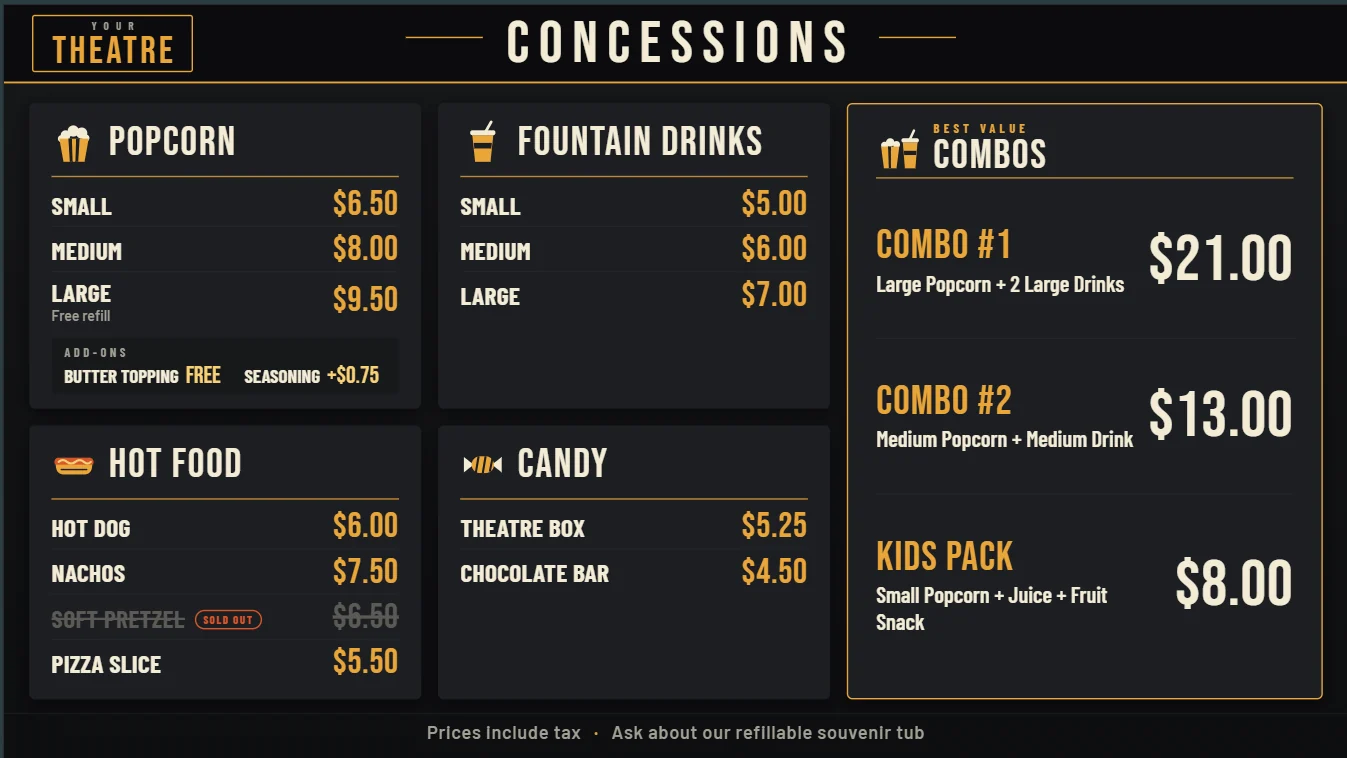
Menu Boards That Sell the Combo
A clear menu board speeds up the line and nudges guests toward the bigger order. Ours are designed to your theatre's look, not a generic template.
- Custom design. Send your logo, fonts and artwork and our media team builds the board.
- Motion and video. Boards can include video clips, not just still images.
- Price changes handled. Send the new prices and a go-live date, and we update the boards for you.
- Every location at once. Running more than one theatre? List every site and we'll update them together.
A Media Team That Works With You
Our in-house media team designs your menu boards, promotions and signs with you, then keeps them up to date across every location.
Tell us what you need
A new menu board, a price change, a promotion or a new screen.
We design it with you
Our media team builds it to your branding and works with you on changes.
It goes live
On the date you choose, at every location that needs it.
We keep it current
Price changes, new items and seasonal updates, handled whenever you need them.
Prefer to make your own? Design your own slides and menu boards, send them to us, and we'll load and manage them on your screens.
Use the TVs You Already Have
No proprietary players or special screens. Each TV needs an inexpensive Google TV streaming device, and RTS does the rest.
- 1
Plug in a streaming device
An onn. Google TV device from Walmart works with any TV's HDMI port. Full HD is plenty for most boards; choose 4K for 4K screens.
- 2
Connect it to your network
Put it on the same secured network as your RTS server, and it shows up in RTS on its own.
- 3
Pick what it shows
Assign the screen to a showtime board, menu board or other sign. If the device restarts, RTS puts the sign back up automatically.
Set It Up Once. It Shows Everywhere.
Signage runs on the same system as your box office and concessions, so your screens always know what's playing.
Questions Operators Ask
Do I need special TVs?
No. Any TV with an HDMI port works. Each one needs a Google TV streaming device, like an onn. Google TV device, plugged in.
Can I use my smart TV without a streaming device?
No. Built-in smart TV systems like Roku TV can't run RTS signage on their own. Plug in a Google TV device and set the TV to that input.
Do showtimes update automatically?
Yes. Showtime boards read from your RTS schedule, and changes appear within a few minutes.
Do menu board prices change when I change POS prices?
Not automatically. Menu boards are designed artwork, so send the new prices and a go-live date to RTS and our media team updates the boards. Update your POS prices too.
Who designs my menu boards and slides?
The RTS media team can design menu boards and concession slides to your branding. You can also upload your own slides at 1280 x 720.
Can I schedule a promotion ahead of time?
Yes. Promotion slides can have start and end dates, so they go up and come down on their own.
See It in Action
Book a live demo of RTS digital signage with our team.